

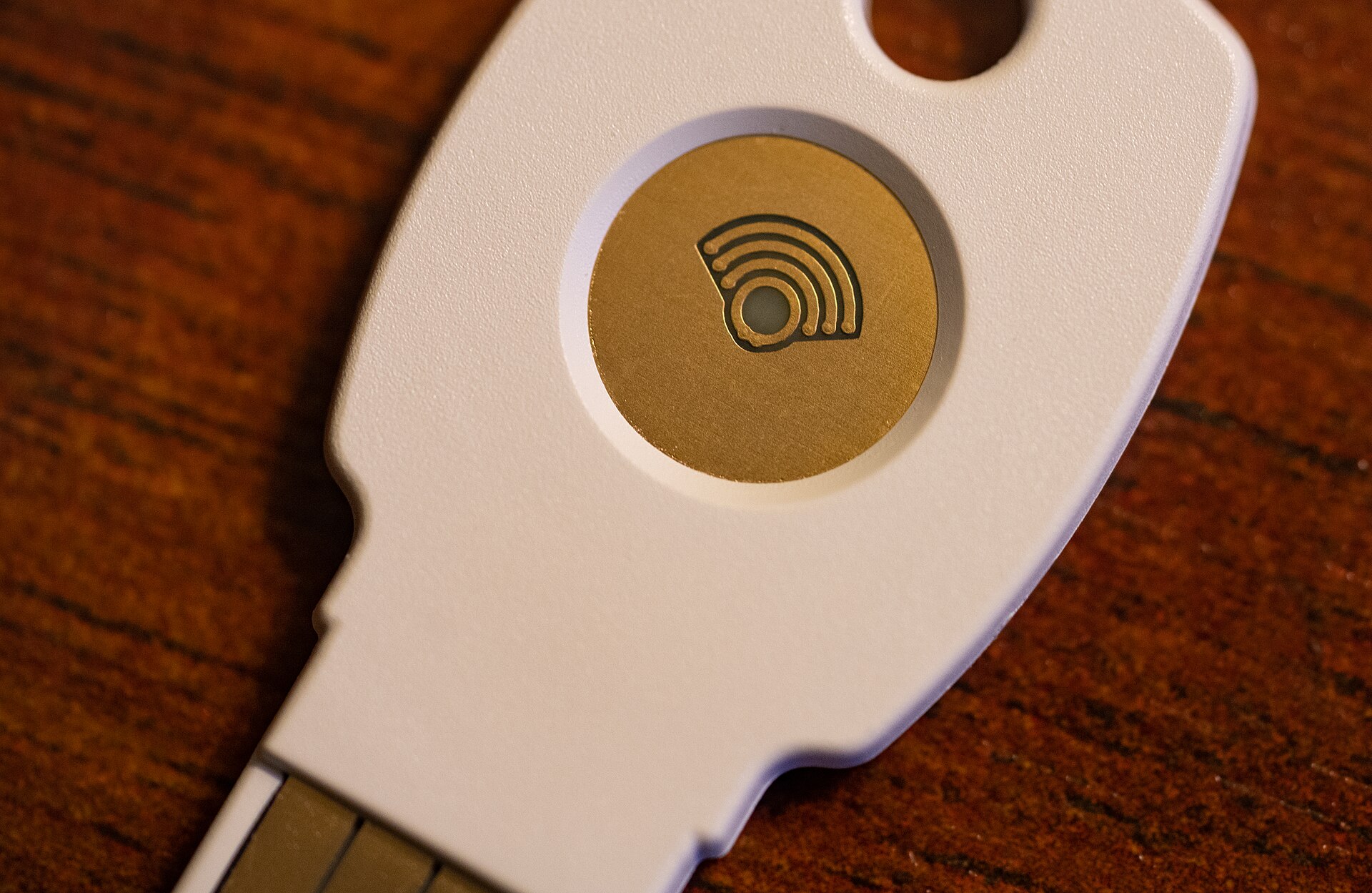
Passkeys Are Replacing Passwords, and Logging In Will Never Feel the Same
For forty years the password has been the internet’s weakest habit: easy to forget, tempting to reuse, and stolen in industrial quantities. Its replacement has now arrived in earnest. Passkeys — the sign-in method built on public-key cryptography and unlocked with a face, a fingerprint or a device PIN — are supported by Apple, Google, Microsoft and a fast-growing list of banks, retailers and public services. Readers following our technology coverage will have watched the idea move from conference slides to the default option on login screens, and the shift is now big enough to change everyday habits.
The difference is not cosmetic. A password is a shared secret: you know it, the website stores a version of it, and a criminal who steals either copy can walk in. A passkey keeps the secret half on your device and never sends it anywhere. The website holds only a public key, which is useless on its own, and each passkey works for exactly one service, which makes it naturally resistant to phishing. A fake banking page cannot harvest a passkey the way it harvests typed credentials, because the credential simply refuses to work on the wrong site.
Why the Industry Finally Agreed
Security ideas often die of fragmentation, and passkeys nearly did. What saved them was an unusual alliance: the FIDO Alliance and the World Wide Web Consortium standardised the underlying WebAuthn technology, and the big platform owners agreed to sync passkeys through their own clouds so that a key created on a phone can sign in on a laptop. Guidance from bodies such as the FIDO Alliance and Britain’s National Cyber Security Centre has helped smaller services adopt the method without building everything themselves.
Convenience did the rest. Anyone who has squinted at a texted six-digit code while a train conductor waits knows the friction of two-factor authentication. A passkey sign-in is typically a single biometric glance — faster than typing a password, and dramatically faster than a password plus a code. When the safer option is also the easier option, adoption stops being a sermon and becomes a default.
What Still Goes Wrong
The transition has rough edges. Account recovery is the biggest: lose every device holding your passkeys and some services still fall back on the very passwords and help-desk checks the system was meant to retire. Cross-platform households — an Android phone, a Windows laptop, a partner’s iPad — can find syncing works beautifully inside one ecosystem and awkwardly across two. Security researchers also warn, reasonably, that the device PIN becomes the new weak point: a passkey unlocked by 1234 is only as strong as that code.
None of this reverses the direction of travel. Password managers now store passkeys, employers are issuing them to staff, and several large services report that passkey sign-ins succeed far more often than password attempts. You can explore more on this in our Tech section, where we track the rollout service by service.
The Password’s Long Goodbye
Employers have become an unlikely accelerant. Large organisations lose enormous help-desk time to password resets and account lockouts, and several have reported that moving staff to passkeys cut both the resets and the successful phishing attempts that began with a stolen password. Banks like the arithmetic too: a credential that cannot be typed into a fake page cannot be harvested by one, which attacks the economics of the most common fraud at its root. The standards bodies expect the consumer internet to follow the workplace, as it usually does — first the tools people must use, then the ones they choose.
Passwords will not vanish this year; too many older systems, shared family accounts and workplace tools still depend on them. But their centre of gravity has shifted. The sensible routine now is simple: accept the passkey offer whenever a service makes it, keep a strong unique password and a second factor as backup, and guard your device unlock code as carefully as you once guarded your best password. The login screen is changing quietly — and for once, it is changing in the user’s favour.
